How do I view my list of reminders?
You can view all of your reminders directly from your Eternal Reminder account.
- Go to eternalreminder.org and sign in.
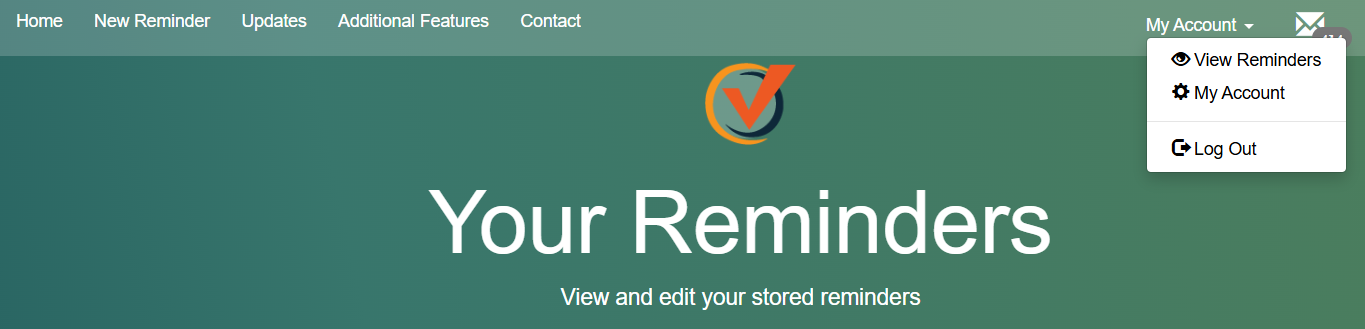
- Click “My Account” in the top right corner of the page.
- Click the “View Reminders” button.
This page will show both your upcoming reminders and any past reminders that have already been sent. From there, you can review your list, confirm details, or remove reminders you no longer need.